Claude for Excel
Claude in Excel Training
A half-day, hands-on lab where analysts work on their own MIS reports using Anthropic’s Claude add-in for Excel and Claude Cowork. Participants write and debug formulas, clean exports, reconcile datasets, build simple models and, above all, learn how to check every number Claude touches.
Book a Claude in Excel lab
Your information is safe. We only use it to respond to your enquiry.
Overview
Claude inside the spreadsheet, and beside it
Anthropic offers an official Claude add-in for Microsoft Excel, available on paid Claude plans through Microsoft’s add-in marketplace for Excel on Windows, Mac and the web. It sits in a side panel, reads the workbook you have open, explains formulas, edits cells and builds new sheets, with references back to the cells it used. For work spanning several files, Claude Cowork in the desktop app can open a folder of workbooks and produce a finished file.
This lab uses both. Participants bring an anonymised or sample copy of a report they actually maintain: a sales MIS, a branch-wise collections tracker, a stock ageing sheet, a payroll summary.
What we cover in half a day
- Formulas: writing XLOOKUP, SUMIFS and dynamic array formulas from a plain description, and asking Claude to explain an inherited formula nobody understands.
- Data cleaning: fixing dates exported in mixed formats, splitting combined fields, standardising customer names from Tally or SAP extracts.
- Pivot-style analysis: summaries by region, product or month, plus commentary on the main movements.
- Reconciliation: matching two datasets, such as bank statement against ledger, and listing unmatched items.
- Models: a simple driver-based forecast or pricing model with clearly labelled assumptions.
The final segment is verification. Claude can produce a formula that runs without error and still returns the wrong answer. Participants learn to test with known values, check totals against source, and inspect formula logic before a file is shared.
Features of the add-in change regularly, so we demonstrate the current version on the day.
Highlights
What participants practise in the lab
Formula writing and debugging
Describe the calculation in plain English, get the formula, then test it against known values before trusting it.
Cleaning messy exports
Standardise dates, names and codes from ERP and accounting exports so the data is ready for analysis.
Summaries and commentary
Build region, product or month summaries and get draft commentary on the biggest changes.
Reconciliations
Match bank, ledger or system extracts and list unmatched items with likely reasons for review.
Simple models
Create a driver-based forecast or pricing model with assumptions separated and clearly labelled.
Number verification
Habits for checking totals, sampling rows and reading formula logic so errors are caught early.
In your workflow
Fixing a monthly MIS in one sitting
A regional sales analyst in Chennai opens her monthly MIS with the Claude add-in. She asks Claude to explain a broken nested formula, replace it with XLOOKUP, clean inconsistent dealer names, and add a summary by zone with month-on-month change. She checks three zones by hand against the source export, corrects one mapping, and saves a cleaner template for next month.
- Explain and replace broken formulas
- Clean inconsistent names and codes
- Add a zone-wise summary
- Hand-check totals against source
Use it for
Excel tasks we tackle in the lab
Inherited workbook rescue
Have Claude document an inherited workbook sheet by sheet, explaining what each formula does and where links might break.
Collections tracker
Build ageing buckets, flag overdue customers and summarise collections by branch from a receivables export.
Bank to ledger matching
Match bank statement lines to ledger entries by amount, date and reference, listing exceptions for the accounts team.
Sales MIS refresh
Update a monthly sales MIS with new data and generate summary tables and short commentary for management.
Data consolidation with Cowork
Use Cowork to combine twelve branch workbooks with slightly different layouts into one standardised file.
Scenario modelling
Build best, base and worst-case scenarios on a simple forecast, with assumptions on a separate input sheet.
Training
Lab formats
Hands-on, on your real work — never a generic demo.
Half-day lab
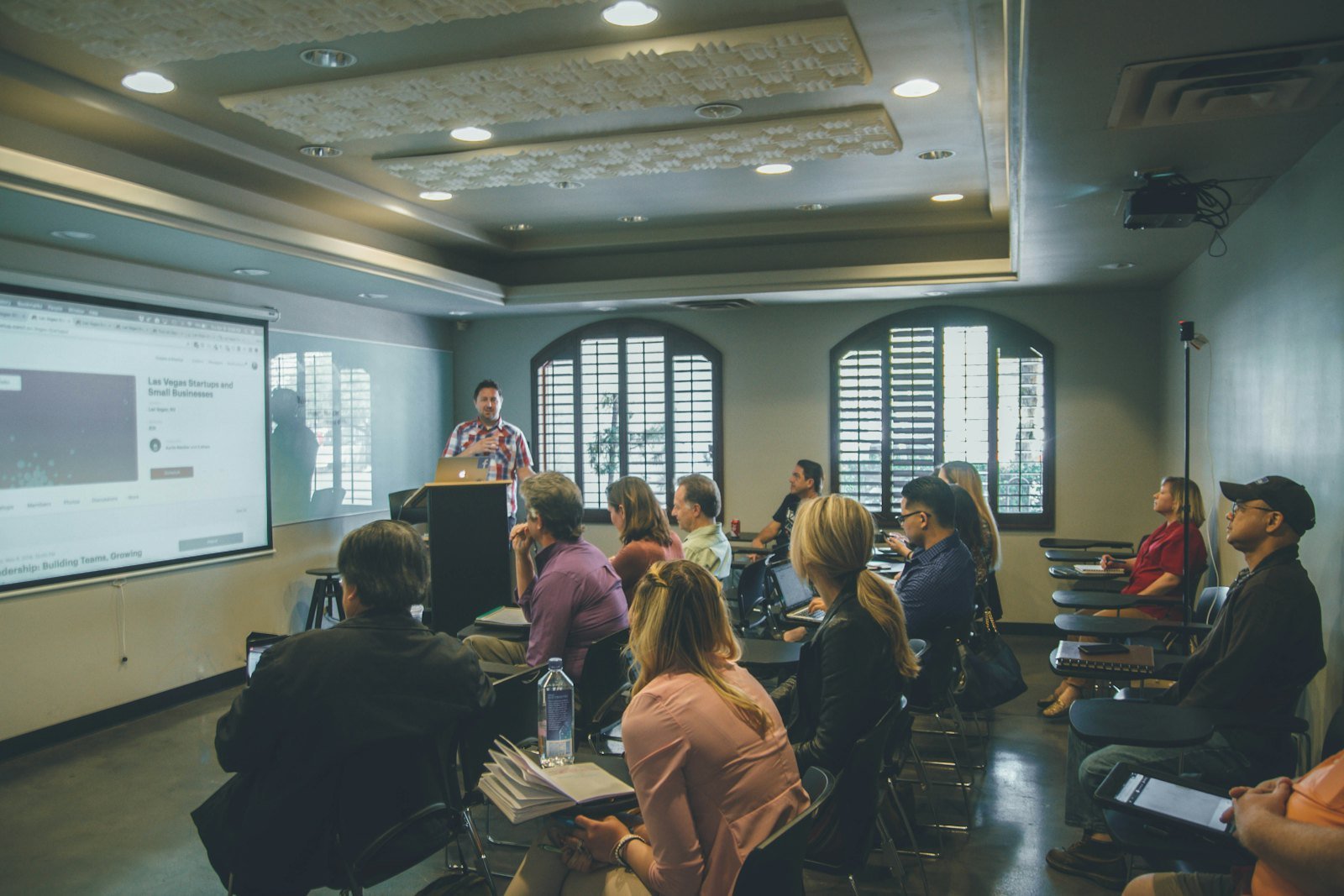
Around four hours, hands-on, using participants’ own anonymised or sample files, onsite or live-online.
Finance and MIS cohort
A version focused on finance, accounts and MIS teams, with reconciliation and close-related exercises.
Add-on to team training
Combined with a wider Claude or Cowork workshop as a dedicated spreadsheet module.
FAQ
Claude in Excel Training — questions
Is there an official Claude add-in for Excel?
What is the difference between the Excel add-in and using Cowork?
Do participants need advanced Excel skills?
Can we use our real MIS files?
How accurate is Claude with numbers in Excel?
Who delivers it
Anthropic-certified Claude trainers
Every programme is delivered by Anthropic Claude Certified trainers who use Claude daily on live client work — engineering, analysis, research and content. We have trained 200,000+ professionals across 16+ countries for 600+ enterprise clients, including Tata Group, Adani, Siemens, GE Aerospace, HUL, Flipkart and Air India.
- Anthropic Claude Certified trainers, not generalist AI speakers
- 200,000+ professionals trained across 16+ countries
- 600+ enterprise clients, from BFSI and manufacturing to public sector
- Delivered in English, Hindi and Hinglish
Trusted by
Teams we’ve trained
…and 200+ organisations, across 16+ countries.
What participants say
Real feedback from real sessions
Verified feedback collected from participants across corporate sessions — average rating 4.8/5.
“A very productive session for working professionals. A must-do.”
“The session was highly insightful and conducted in a very professional and interactive manner. Learnt about AI and excited to learn more!”
“Highly recommended! Hands-on and directly useful — from making PPTs and strategic plans to building KRAs.”
“Great work done by Mr Hitesh in the AI landscape — a true subject-matter expert. More power to him for spreading this knowledge.”
“I would recommend everyone to go through this session — it clarifies both what to expect from AI and where AI isn’t needed.”
“Amazing session by Hitesh. The AI tools he shared are very helpful for day-to-day work.”
“Mr Hitesh Motwani is a very informative trainer. The way he delivers training is awesome.”
“Mr Hitesh Motwani delivered a valuable, informative session and showed us exactly how to use AI tools to enhance our work. Thank you so much.”
“A nice interactive session with a lot of new insights and the power of AI. This will help me save time in routine activities.”
“A very good training session. AI can do wonders — we’ll implement it to create efficiency and save time.”
“Hitesh was very informative and knowledgeable about AI tools. It will let me use my time far more effectively.”
“Your session helped me walk into the world of magic.”
Explore more
Keep going with Claude AI training
Book training
Bring your spreadsheets to the lab
Tell us your team, tools and goals. We will scope a tailored workshop and send a fixed proposal — usually within one business day.